
Kits & parts
Four ways back to a working TV.
Pick the kit that matches your symptom, or ask us first. Everything is matched to your model number before it ships.
Backlight strip kits
Sound, but a black screen? Start here.
Backlight failure is the most common flat-screen fault. Our kits include the full set of strips for your panel so every LED is the same age, plus the guide to lift the diffuser layers without creasing them.
- Black screen
- Dim areas
- Flicker
- Blue tint
Power supply boards
Won't turn on, clicks, or blinks.
A failed power board stops everything downstream. We match yours by the part number printed on the board, ship it ready to install, and show you how to discharge and handle it safely.
- No power
- Clicking
- Blinking light
- Shuts off
T-con and main boards
Lines, ghosting, logo loops.
The timing board and the main board are usually a few screws and some ribbon cables. We check your model and board version so the replacement plugs straight in.
- Vertical lines
- Ghosting
- Logo loop
- No inputs
Model matching
Not sure what failed? Ask first.
Send the model number and what the screen is doing. A person here reads it, tells you which part we'd replace, and tells you plainly if the repair isn't worth it for your TV.
- Any brand
- LED
- LCD
- Smart TVs
Inside your TV
Five parts, and what each one does.
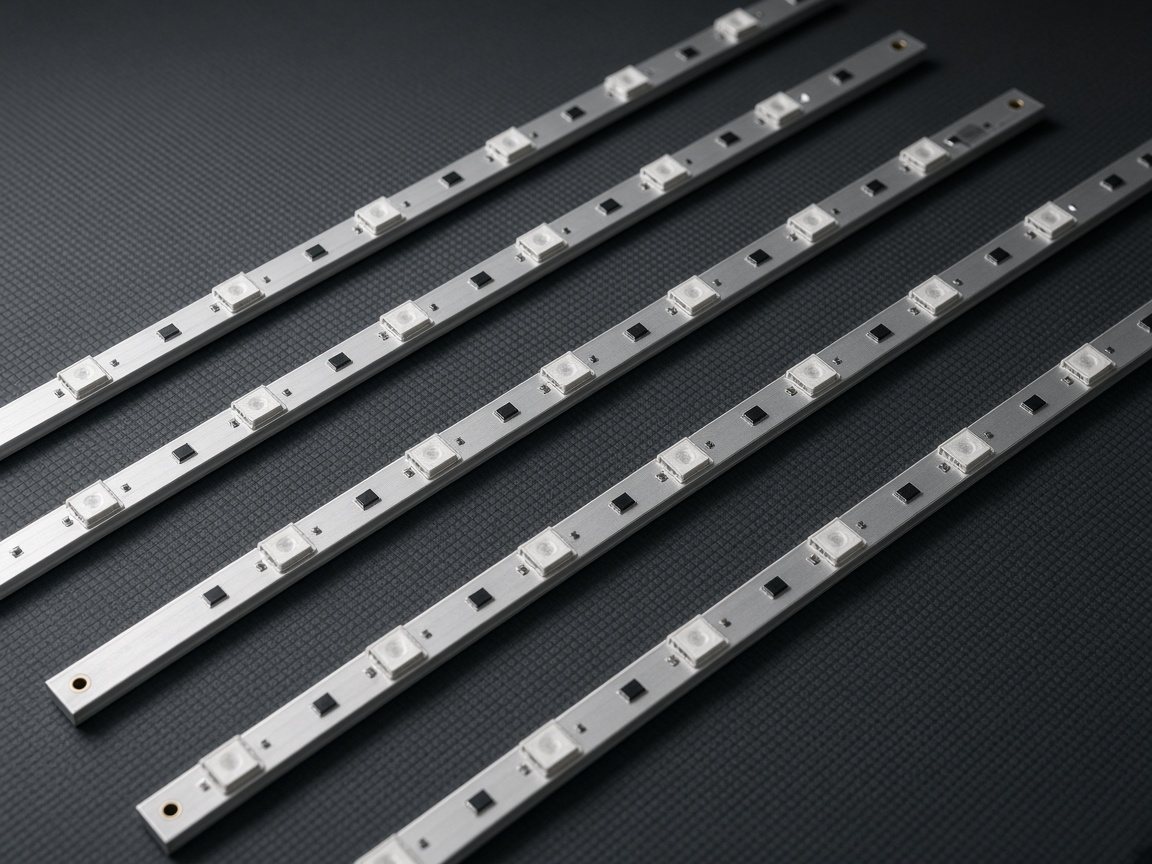
Backlights: The light behind the picture
LED strips sit behind the diffuser layers. When one fails the whole string often goes dark, which is why kits replace the full set.
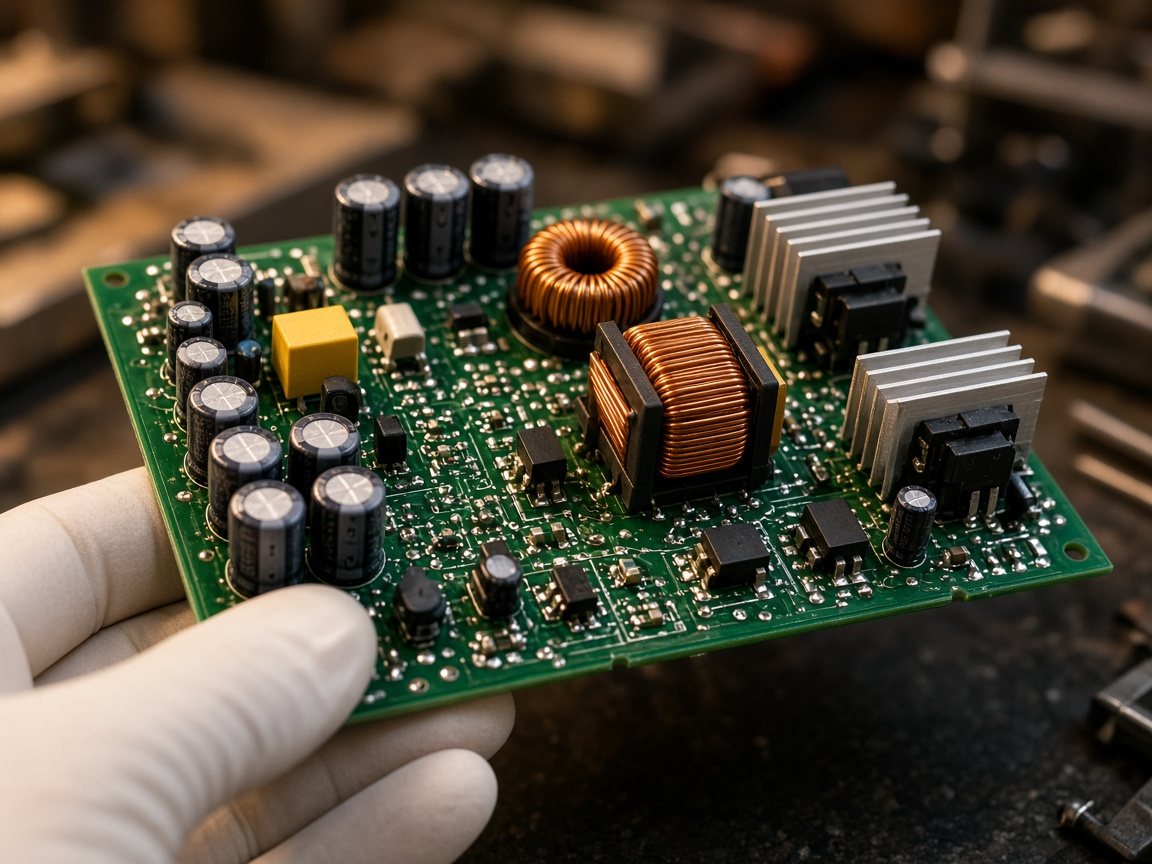
Power: Where everything starts
The power board turns wall current into the voltages the rest of the TV runs on. Handle it with care: it can hold a charge.
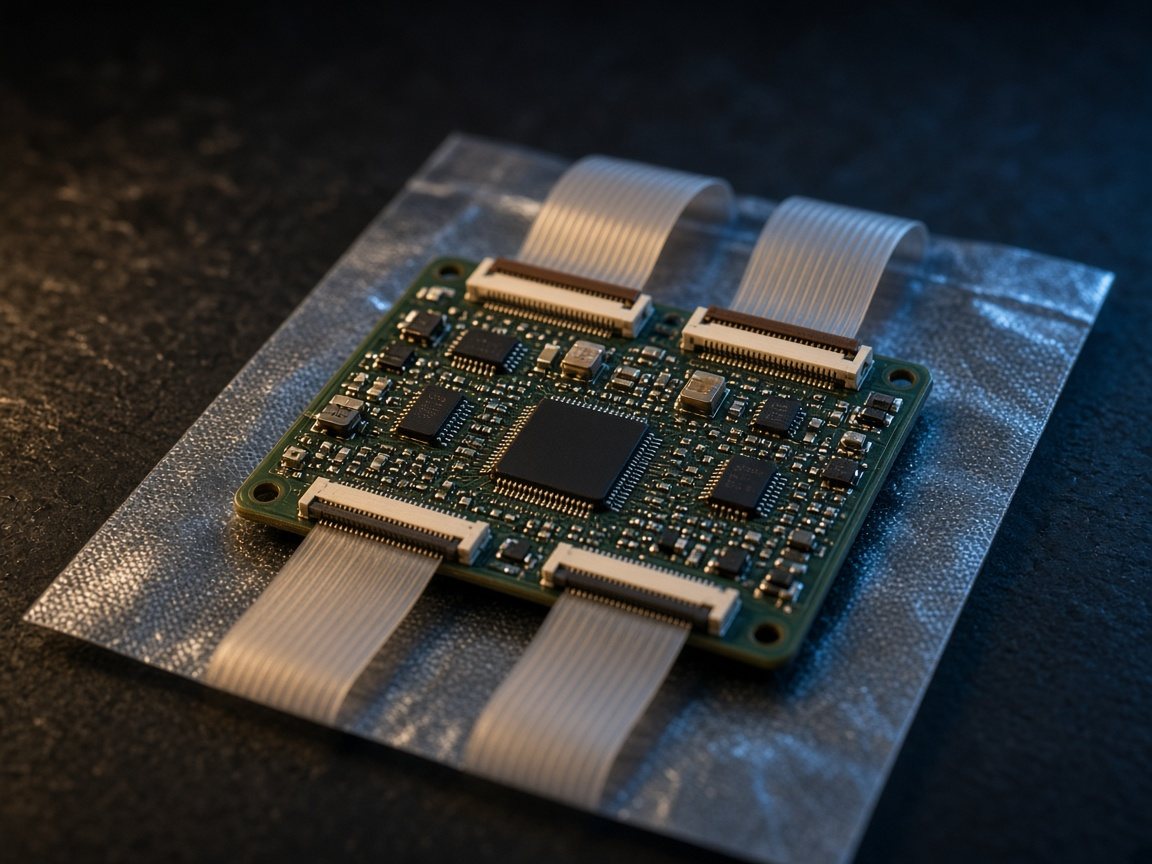
Timing: The T-con board
It translates the picture signal for the panel. Faults show up as lines, ghosting or strange colour across the whole screen.
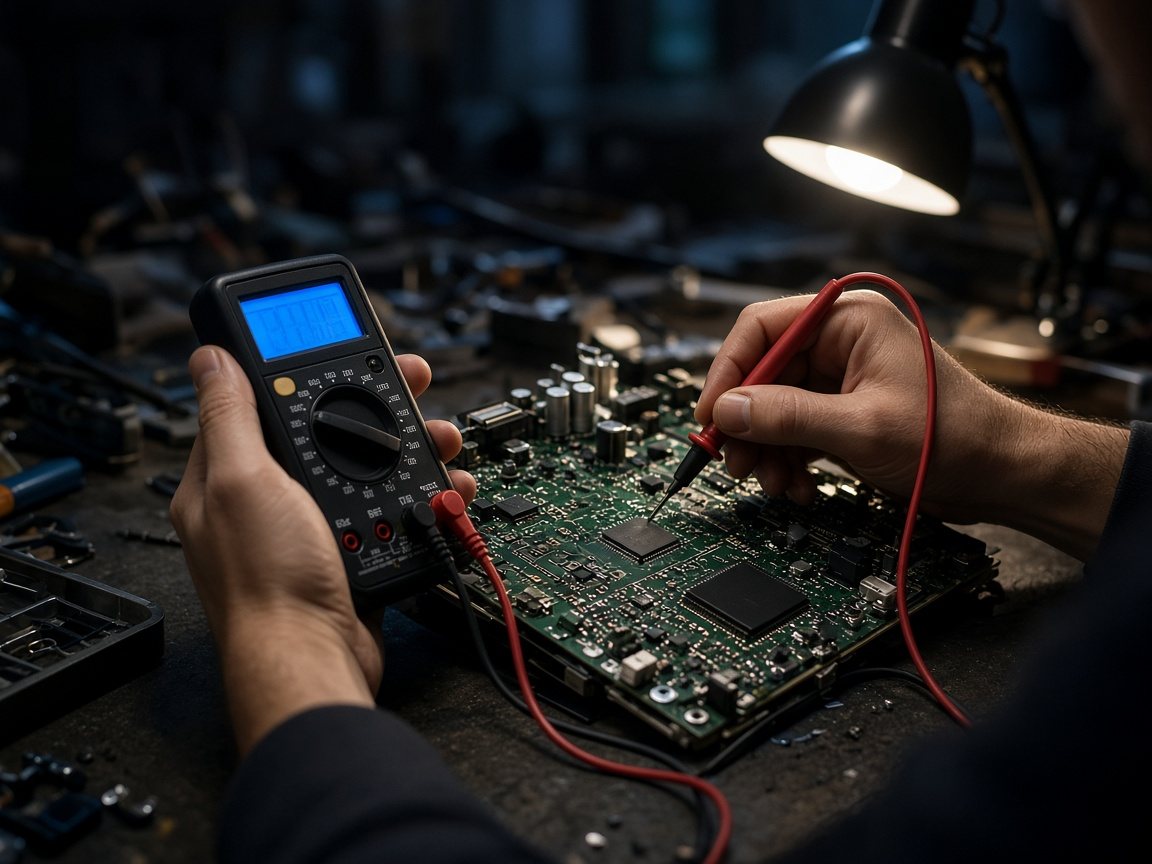
Brains: The main board
Inputs, apps, menus and startup all live here. A boot loop or dead HDMI ports usually lead back to it.
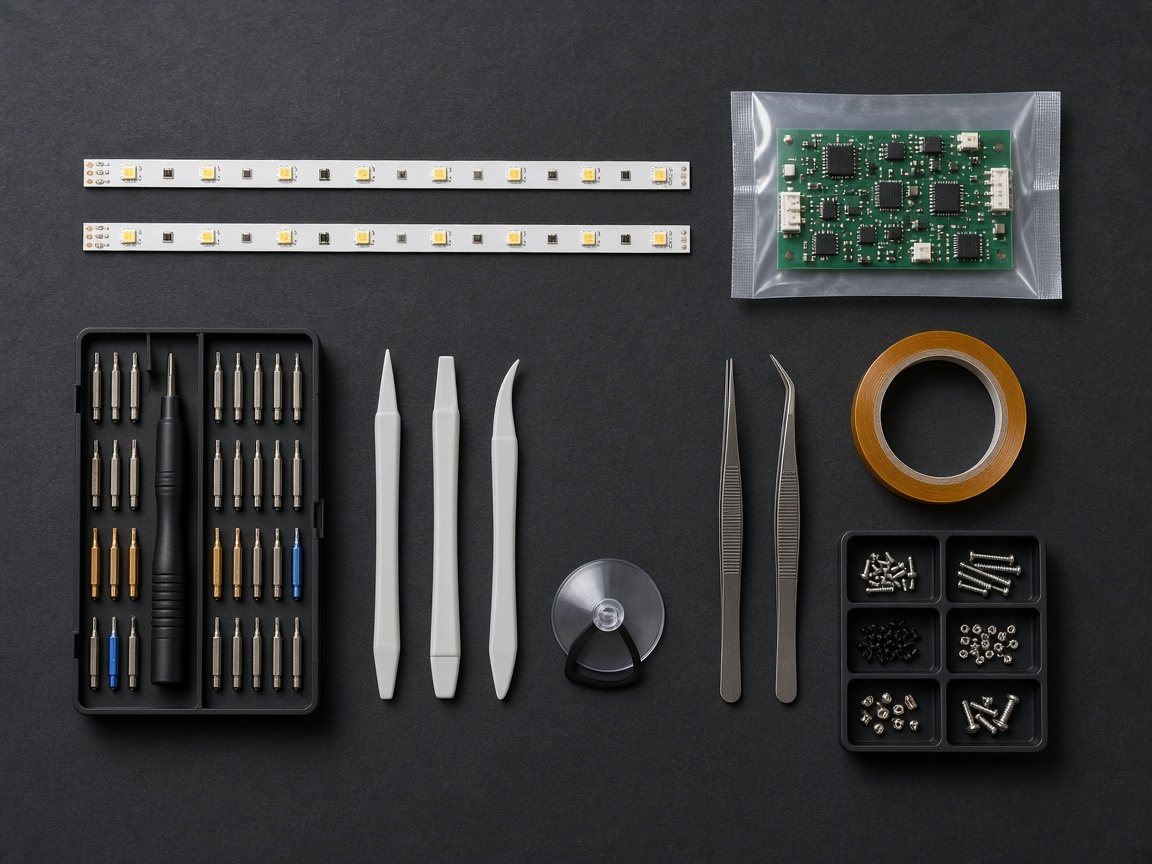
Tools: Opening it safely
Plastic pry tools, a suction cup and the right drivers stop a simple repair from turning into a cracked panel.
Getting started
Simple on purpose.
Here's what happens after you send your model number.
- 01
Send your model and symptom
The model number is on the label on the back of the TV. Add a sentence on what the screen does, or a short video. That's enough to start.
- 02
We match the part
We check your model and the part numbers it uses, then tell you which kit fits. If the repair doesn't make sense for your TV, we say so.
- 03
Your kit ships with a guide
Parts arrive packed and labelled, with a step-by-step guide written for your type of repair, including where to be careful.
- 04
Fix it, with help if you need it
Work at your own pace. If something looks different from the guide, email us a photo and we'll help you through it.
Your TV, back on
Send the model number. We'll tell you which kit.
Tell us the model on the back label and what the screen is doing. A person here writes back with the part we think failed, and whether the repair is worth it.
Match my TV ↗